


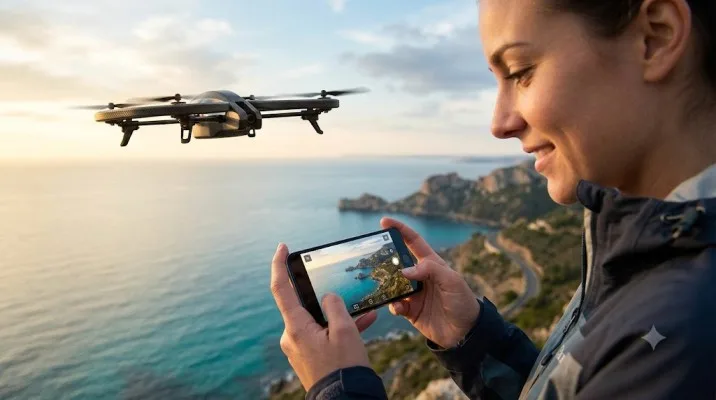
Parrot AR.Drone 2.0 Wi-Fi Quadcopter – Ready-to-Fly Aerial Camera Drone
The air drone 2.0 parrot remains a fascinating piece of early consumer drone history, even in 2026. I picked one up second-hand last month for a project comparing old and new flying cameras. The experience reminded me why this quadcopter made such a splash when it launched.
It also highlighted why most people should think twice before buying one today. This isn’t a modern GPS-stabilized drone that flies itself. It’s a Wi-Fi-controlled toy that demands your full attention.
The Parrot AR.Drone 2.0 Elite Edition I tested came with both indoor and outdoor hulls, a 720p camera, and the original AR.FreeFlight app. What I found was a machine that still delivers pure flying fun, but comes with real limitations you need to understand before spending money.
What Is Air Drone 2.0 Parrot?
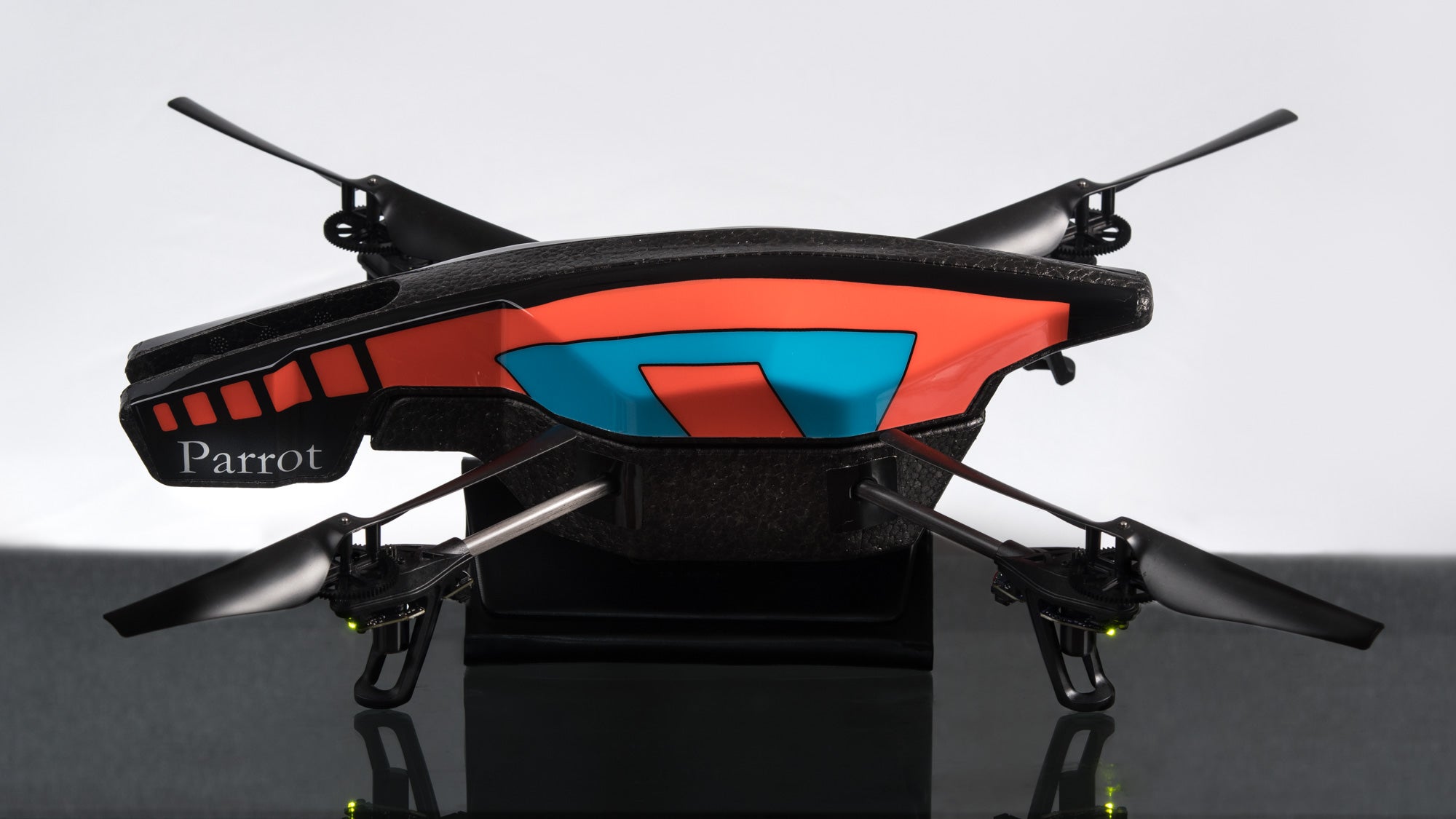
The AR.Drone 2.0 package includes more than you might expect for a drone this old. You get the quadcopter itself, two different hulls, a charger, and at least one battery. The indoor hull wraps foam rings around the rotors.
Read Also: Parrot ANAFI Ai 4G LTE Setup Guide for Thermal Inspection
Those rings protect your furniture and walls when you crash. The outdoor hull strips that protection away for better aerodynamics and speed. You also get spare rotor blades in different colors and some decorative stickers.
The Elite Edition adds nothing major over the standard model. It’s mostly a color and graphics change. The “Snow” Elite Edition I tested came in a clean white finish. B&H Photo listed it at $192.98, but that’s an old price.
Used units now sell for $28 to $100 depending on condition. The Power Edition, which came with two larger batteries, originally cost around £300. Skip that version unless you find a bundle deal. The battery situation matters more than the edition name.
The Camera: Fun but Far From Modern
The AR.Drone 2.0 carries a 720p HD camera with a 92-degree wide-angle lens. It records video at 30fps and captures JPEG stills . Here’s the critical catch: the camera has zero stabilization. Every vibration, every wind gust, every small motor adjustment shows up in your footage.
I flew mine on a calm morning. The video looked decent when hovering in place. The moment I moved forward or turned, the picture shook noticeably. One reviewer called the image quality “slightly soft” with “CMOS tearing”. I agree. Don’t expect cinematic aerial footage. Expect fun clips that capture the feeling of flight, not professional videography.
The camera streams live video to your phone or tablet through Wi-Fi. That live feed helps you pilot the drone from a first-person perspective. The feed quality is low resolution. It’s good enough for flying, not for recording.
You have two options for saving full-quality video. You can record it to your device after landing, or you can plug a USB flash drive into the drone’s USB port for onboard recording. I used the USB method. It worked fine, but the drone’s lack of onboard storage otherwise means you must have a device ready to capture.
There’s also a second camera on the bottom. It’s a low-resolution QVGA sensor that measures ground speed and helps with landing . You can switch to this downward view in the app. It’s not useful for pretty shots. It is useful for precision landing on a target.
Battery Life: The Dealbreaker for Most Buyers
This is where the AR.Drone 2.0 shows its age. The standard 1000mAh battery delivers about 12 minutes of flight time. Real-world reports range from 5 to 12 minutes depending on wind and flying style. My own testing landed right around 10 minutes with the indoor hull in a gymnasium.
You Must Also Like: How to Install Free Flight Pro on Android 15 Apk?
The Power Edition includes two 1500mAh batteries that promise 36 minutes of combined flight time. That sounds great until you realize you have to land, swap batteries, and wait. Each battery takes about 1.5 to 2 hours to recharge. A single session with the Power Edition gives you roughly 18 minutes of flying per battery, then a long wait.
The battery itself is a 3-element lithium polymer pack. Replacement batteries are hard to find now. Some third-party options exist, but quality varies. If you buy a used AR.Drone 2.0, check the battery health immediately. In this paragraph, If you want to know more information about a parrot AR drone battery warranty in 2026?
A dead battery makes the drone useless. You can find replacements on eBay and specialty sites, but don’t expect official Parrot packs anymore.
Flying Experience: Simple to Learn, Hard to Master
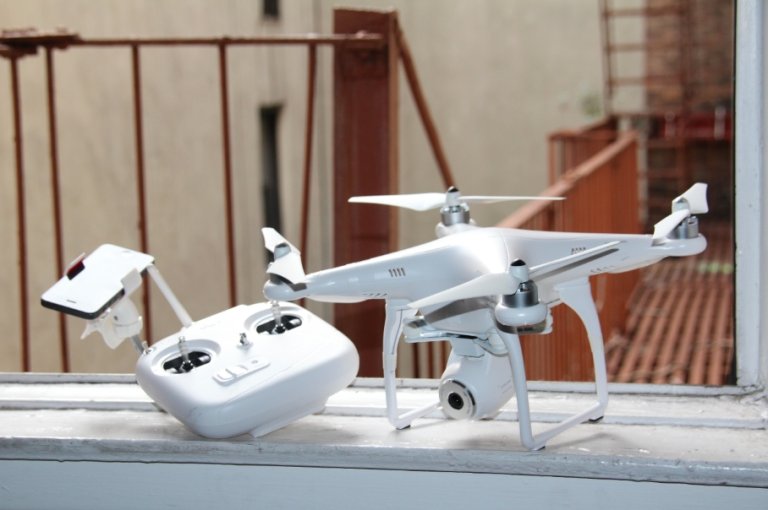
The AR.Drone 2.0 uses Wi-Fi to connect to your phone or tablet. You download the AR.FreeFlight app, connect to the drone’s Wi-Fi network, and you’re ready to fly. No controller needed. The app turns your touchscreen into a virtual joystick.
Beginners get an “Absolute Control” mode that limits how fast the drone moves. When you release the controls, the drone stabilizes itself and hovers in place. This self-leveling works remarkably well. The drone holds position with surprising steadiness for a machine this old.
The control options include tilt-based flying and a two-stick touchscreen layout. I preferred the two-stick mode. Tilt control felt imprecise. If you have an Nvidia Shield portable, you can use its physical analog sticks for more responsive control. Most people won’t have that device.
The learning curve is gentle. Within two flights, I could maneuver through doorways and land on a marked spot. The drone responds quickly to input. It also drifts in any breeze.
Wind is the AR.Drone 2.0’s enemy. Even 10 mph winds push it around significantly. Fly indoors or on dead-calm days outdoors. Don’t take it to a park on a breezy afternoon unless you want to chase it across a field.
The App Problem Nobody Mentions
The AR.FreeFlight app is the only official way to control the drone. It’s free. It also hasn’t received meaningful updates in years. Reviews from 2014 already complained about the Android version being worse than iOS.
The app can be sluggish and glitch-prone. One reviewer described unwanted or stuck navigation commands that caused crashes.
I tested the app on a modern Android phone. It installed and ran. The connection was stable when the phone stayed within Wi-Fi range. The interface looks dated. It works, but it feels like software from a different era.
There are third-party apps like Drone Control Center that offer keyboard and mouse control. Those might work better for some users, but they’re not officially supported.
The bigger issue: the drone’s Wi-Fi range is limited to about 165 feet (50 meters). That’s not far. Walk behind a tree or a wall, and you lose connection. The drone hovers in place when the signal drops, which is a safety feature. But if it drifts out of range while moving, you can’t steer it back. You have to walk toward it and hope it hasn’t landed somewhere inaccessible.
Repairability: A Genuine Bright Spot
Here’s something the AR.Drone 2.0 does better than many modern drones. You can repair it yourself. Parrot designed the drone to be fully serviceable . All parts and repair instructions are available online.
The foam hulls absorb crashes well. The rotor blades pop off instead of breaking. I crashed mine twice during testing. Both times, I just snapped the propeller back on and kept flying.
The outdoor hull’s exposed gears are more vulnerable. One Amazon reviewer noted that gears damage easily in crashes. Replacement gears and motors are available.
The repair process takes basic tools and patience. This repairability makes used purchases less risky. Even a damaged AR.Drone 2.0 can often be brought back to life for a few dollars in parts.
Who Should Buy This Drone (And Who Shouldn’t)
Buy it if: You want a cheap introduction to drone flying. You enjoy tinkering and repairing gadgets. You have large indoor spaces or calm outdoor areas. You don’t care about GPS, return-to-home, or modern camera features. You want a piece of drone history.
Skip it if: You want stable aerial video. You need reliable battery life. You expect GPS positioning and automatic flight modes. You want to fly in any wind. You plan to fly beyond 150 feet. You want a drone that works out of the box without app hassles.
The AR.Drone 2.0 sits in a strange middle ground today. It’s not a cheap toy you can fly without care. It’s not a modern camera drone that makes flying easy.
It’s a hobbyist machine from 2012 that still works, still flies, and still delivers a specific kind of joy. That joy comes from feeling the wind through the rotors, hearing the motors strain, and knowing that your hands are the only thing keeping it in the air.
Practical Buying Advice for 2026
If you decide to buy a used AR.Drone 2.0, follow these steps. First, confirm the battery holds a charge. A dead battery adds $20 to $40 to your total cost. Second, ask for video of the drone flying.
A working motor sounds smooth and consistent. A failing motor grinds or stutters. Third, check that both hulls are included. The indoor hull is essential for learning. Fourth, verify the USB port works.
You’ll want it for recording video. Fifth, download the AR.FreeFlight app before you buy. Make sure it installs and runs on your phone or tablet. An incompatible device makes the drone useless.
Prices range wildly. I’ve seen broken units for $20 and complete working bundles for $100 . A fair price for a complete, working AR.Drone 2.0 with one battery sits around $50 to $70. Pay more only if you get extra batteries, spare parts, or the Power Edition bundle.
The Final Thoughts
The Parrot AR.Drone 2.0 Elite Edition earns a 6 out of 10 in 2026. It flies well for its era. It’s repairable. It’s affordable used. It teaches you the fundamentals of drone control without GPS crutches. Those are real strengths.
The weaknesses are just as real. The camera shakes. The battery dies fast. The app feels ancient. The Wi-Fi range is short. Wind ruins everything. Modern $100 drones fly farther, shoot better video, and last three times longer. If you want a functional camera drone, buy something newer.
But if you want to understand where consumer drones came from, the air drone 2.0 parrot is worth the $50 experiment. It’s a machine that demands your attention. Every flight feels earned. That’s not a feature you find in drones that fly themselves.