


How to Fix DJI Go 4 App Crashing And Mavic 2 Connection Errors Fast?
The DJI Fly app crashing Android problem is not the same as a DJI Go 4 crash on a Mavic 2. That distinction matters. DJI Fly runs on newer drones. The Mavic 2 uses DJI Go 4, and that app is old, unsupported on many new phones, and increasingly hostile to Android updates.
The DJI Go 4 app crashing Mavic 2 connection fix starts with one hard truth: DJI stopped actively developing Go 4 years ago. The official download page still lists version 4.3.64 for Android.
That version predates Android 14 and 15. If you install it on a modern phone and expect it to work, you will be disappointed. The fixes that actually work involve sideloading older APKs, disabling Play Protect, and in some cases giving up on the phone entirely.
Here is the honest breakdown, starting with where to get the app and ending with what to do when nothing works.
DJI Go 4 App Download: Where to Actually Get It?
The official source is DJI's own download center. The Android version listed is 4.3.64, and it requires Android 5.0 or higher. That sounds fine until you realize the app was built before Android 14 introduced stricter security and background restrictions.
Read Also: Best DJI Mavic Air 2 Fly More Combo: Ultimate 4K Drone Kit
The problem with the official download: Users report the download stalls at "Download Pending" on newer phones. One MavicPilots user tried for five weeks and never got it to install from DJI's site . The file exists. The installation fails.
The workaround that works: APKMirror. Download version 4.3.54 or 4.3.62. These are older builds that predate some of the incompatibility issues.
A MavicPilots user confirmed 4.3.54 installed and ran when the official version would not . Another user got 4.3.62 working on a Samsung Tab S9 after disabling Play Protect .
The warning: APKMirror is a third-party site. Verify the package name matches DJI's official app. Scan the APK before installing. Do not download from sites that bundle extra software.
Why the App Crashes on Android 14 and Newer?
The core problem is Google Play Protect. It flags DJI Go 4 as suspicious because the app has not been updated to meet current Android security standards.
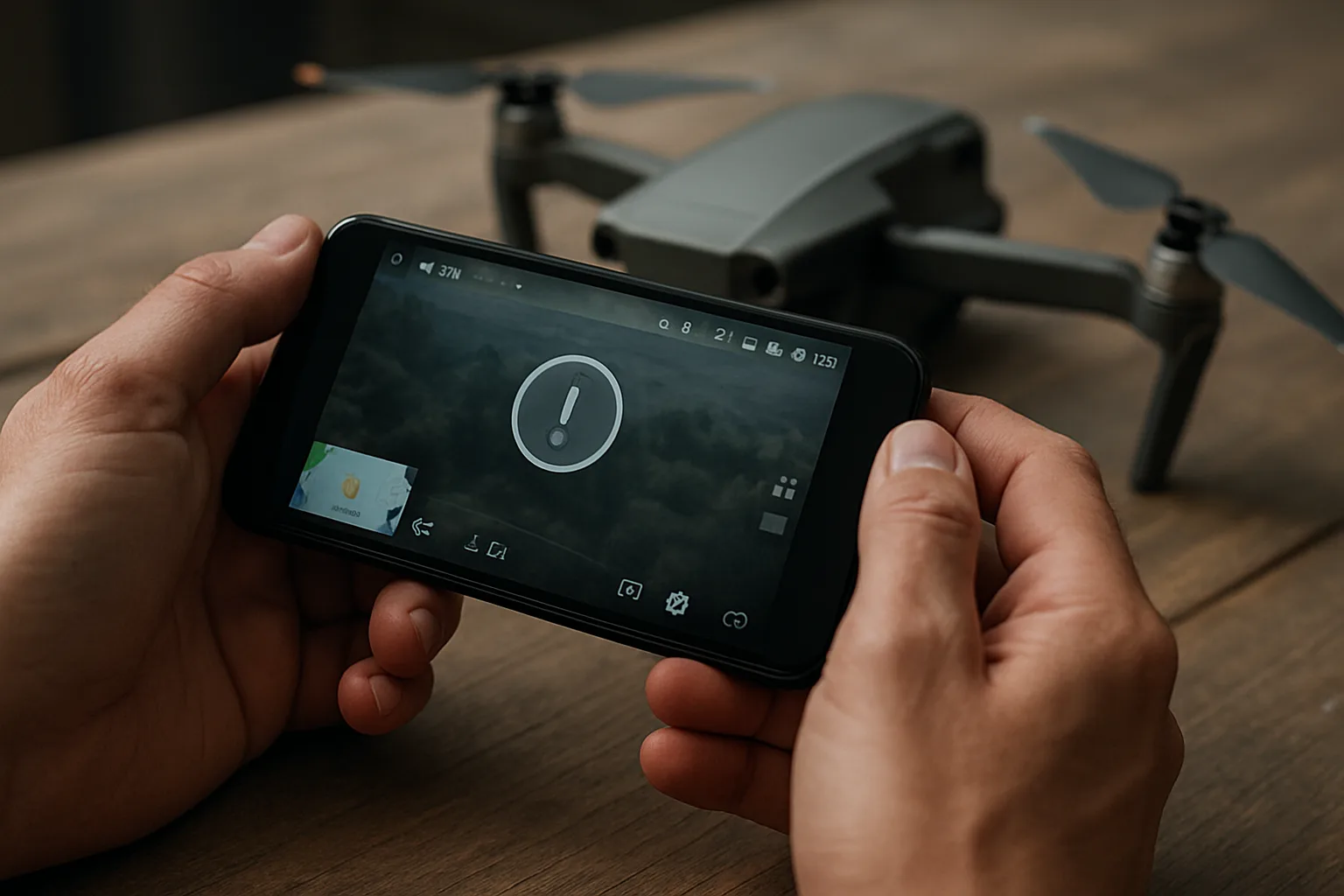
The fix that works for most people: Turn off Play Protect temporarily. Go to Google Play Store, tap your profile icon, then Play Protect, then Settings. Disable "Scan apps with Play Protect." Install DJI Go 4. Then re-enable Play Protect after installation.
This is not a permanent solution. Play Protect will eventually flag the app again during scans. But it gets the app installed and running.
The second problem: Automatic screen rotation. On Samsung devices running Android 14, DJI Go 4 crashes on startup because the app cannot handle the rotation transition.
The fix is buried in Samsung's settings. Go to Settings, Advanced Features, Labs, then "Landscape for portrait apps." Find DJI Go 4 and set it to Full Screen. This fix only applies to Samsung phones with One UI 6 or later. Other manufacturers have different workarounds or none at all.
The Mavic 2 Connection Error: Why It Fails Even When the App Opens?
The app opening is one thing. The app connecting to the Mavic 2 is another. Users report the app launches, shows the Go Fly button, then fails to connect or crashes when tapped.
You Must Also Like: How to Enable Sideways Obstacle Avoidance on Mavic 2?
The cable problem: This is the most common physical cause. DJI controllers are picky about USB cables. Charging cables do not pass data. Third-party cables work inconsistently.
Use the original DJI cable if you have it. If not, buy a certified data cable from a known brand. The cheap cable that came with your phone will probably fail.
The connection order problem: Power on the controller first. Then power on the drone. Then connect the cable to the phone. Then open the app. Getting this order wrong causes connection failures that look like app crashes.
The firmware mismatch: If the drone firmware and the app version do not match, the app may connect but refuse to show video or telemetry. Update the drone firmware using DJI Assistant 2 on a computer. The Go 4 app cannot always handle firmware updates on newer phones.
What Works for iPhone Users (And What Doesn't)
The iPhone situation is different. DJI Go 4 version 4.3.68 is the current iOS build, and it requires iOS 10.0 or later . That covers most iPhones.
But crashes still happen. A DJI Forum user with an iPhone 11 Pro running iOS 18.2 reported the app disappearing from the screen at least once per flight.
DJI's official response was the standard list: clear phone cache, ensure 10GB free storage, hard restart, update the app, clear the app's own cache, and cross-test with another device.
The honest limitation: If the app crashes on a modern iPhone with the latest iOS, the problem is the app, not your phone. DJI has not updated Go 4 to fully support recent iOS versions. The fixes above are workarounds, not solutions.
When to Give Up on DJI Go 4
Three scenarios mean you should stop trying.
Scenario one: You have tried APKMirror versions, disabled Play Protect, changed cables, and the app still crashes. At this point, the phone is incompatible. Buy a cheap used Android tablet from DJI's supported device list.
The Samsung S9, Huawei P20 Pro, and Google Pixel 2XL are all listed as compatible. They are old, but they work.
Scenario two: You fly professionally and cannot afford crashes mid-flight. DJI Go 4 is unreliable on modern hardware. The Mavic 2 is a capable drone.
The app holding it back is not. Consider a third-party app like Litchi, which has its own compatibility issues but is updated more frequently than Go 4.
Scenario three: You are on Android 15 or later. The situation will get worse, not better. DJI has moved on to DJI Fly for newer drones. Go 4 is legacy software. Expect no fixes.
The Final Thoughts
The DJI Go 4 app crashing Mavic 2 connection fix is not a single step. It is a sequence: download from APKMirror, disable Play Protect, install the app, fix screen rotation on Samsung, use the original cable, power on in the correct order, and hope the firmware matches.
If that sounds like too much work, the app is not the problem. The problem is that DJI abandoned Go 4 years ago, and the Mavic 2 is now a legacy product flying on legacy software. The drone still flies. The app is the weak link. Plan accordingly.