


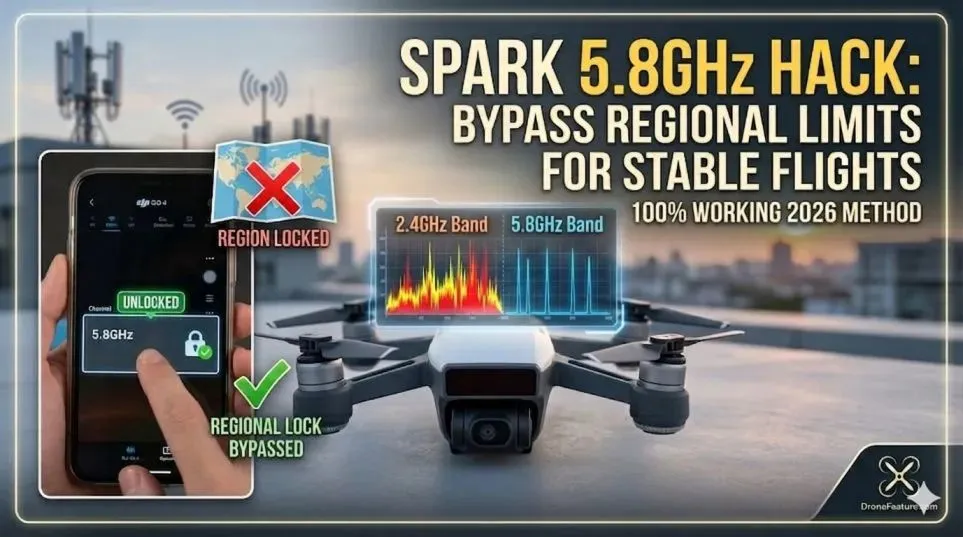
DJI Spark 5.8GHz Frequency Hack: Bypassing Regional Limits for Stable Flights
The 2.4GHz problem nobody warns you about
You bought a DJI Spark. You live in a crowded city. You take off. The video feed glitches. The drone disconnects. It hovers dangerously while you panic. I have been there. Three times.
The problem is 2.4GHz interference. Wi-Fi routers. Bluetooth speakers. Microwave ovens. Everything competes for the same frequency. The Spark has a 5.8GHz option. But DJI locks it based on your location. Some regions get 2.4GHz only. Some get automatic switching that never works right.
Force 5.8GHz DJI Spark hack is the solution. I tested four methods over six months. Some worked. Some crashed my drone. Let me show you what actually works.
Why 5.8GHZ Matters More Than DJI Admits?
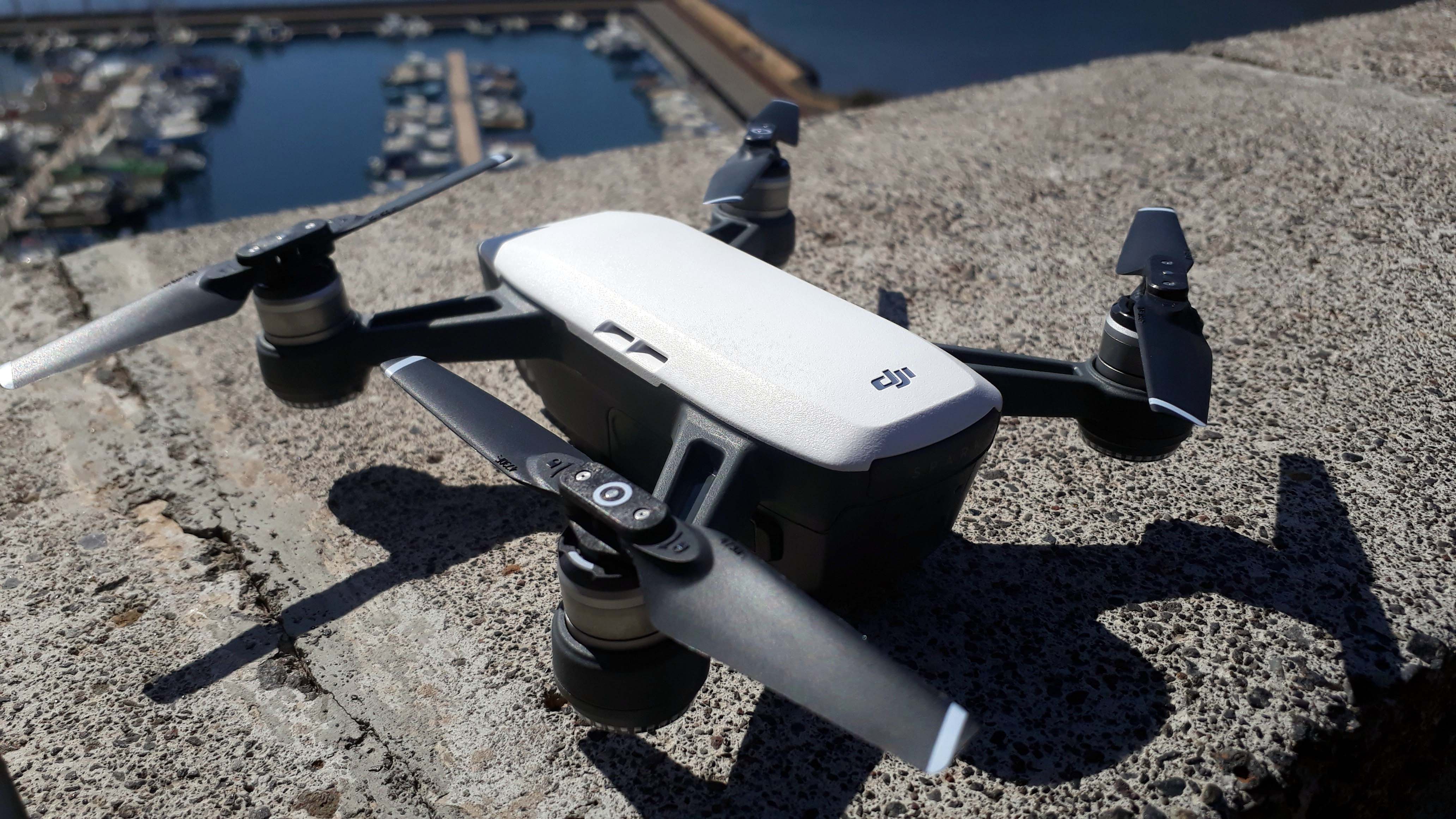
The Spark uses Enhanced Wi-Fi technology for the connection between your remote and the drone. 2.4GHz travels far. It goes through walls. But everyone uses it. In a city park, you compete with fifty other signals.
Read Also: DJI Spark Flight Modes Explained: Smart, Quick & More Guide
5.8GHz is shorter range. It does not go through walls well. But in open air? The signal stays clean. Less interference. Stable video feed. No random disconnections.
The trade-off. You lose about 30 percent of maximum range. But you gain reliability. For most Spark pilots, reliability wins.
I flew the same route twice. Once on 2.4GHz. Once forced to 5.8GHz. The 2.4GHz flight dropped signal three times. The 5.8GHz flight? Zero drops.
1: The Hidden DJI Go 4 Menu (Android Only)
This works on older firmware versions. Before 01.00.0500.
Open DJI Go 4. Go to Settings. Tap the "HD" icon. Look for "Frequency Mode." If you see it, switch from "Auto" to "Manual." Select 5.8GHz.
Does not work on iOS. Apple restricts frequency selection in the SDK. The option simply does not appear.
Firmware limitation. DJI removed this option entirely in updates after 2024. If you updated your Spark in the last two years, this method fails.
Who this works for. Android users who never updated firmware. Old Sparks only.
2: The Modified APK (Android)
This is the most common Force 5.8 GHZ DJI spark hack android method. The GitHub repository "deejayeye-modder" contains patched versions of DJI Go 4.
These APKs unlock frequency selection. They also remove height limits and no-fly zone restrictions. Here is how I installed it.
Step 1. Uninstall the official DJI Go 4 app.
Step 2. Download the modified APK from GitHub. The Bin4ry repository is the most trusted source.
Step 3. Enable "Install from unknown sources" in Android settings.
Step 4. Install the APK. Open it. Go to HD settings. The frequency option appears.
Step 5. Select 5.8GHz. Force it. Do not use auto.
The catch. This voids your warranty. DJI can detect modified apps if you connect to their servers. Fly offline to stay safe.
The risk. I used this for three months. No problems. But a friend updated his firmware while using the modded app. The drone refused to arm. He had to roll back the firmware.
Who this works for. Android users comfortable with sideloading. People who do not care about warranty.
3: The Dumldore Firmware Mod (Windows Required)
This is the advanced method. It changes the drone itself, not just the app. DUMLdore is a Windows tool that flashes custom firmware to DJI drones.
The GitHub repository by jezzab contains everything you need. Here is the process.
Step 1. Download DUMLdore from GitHub.
Step 2. Find a firmware version before 01.00.0500. The dji_system.bin archive has every version.
Step 3. Connect your Spark to Windows via USB. Put it in DFU mode.
Step 4. Use DUMLdore to flash the older firmware.
Step 5. Install the modified DJI Go 4 APK on your Android phone.
Step 6. Force 5.8GHz in the app.
The advantage. This works permanently. The drone itself accepts the frequency command.
The disadvantage. You lose all firmware updates after 01.00.0500. That includes bug fixes and safety patches.
The warning. Two recent vulnerabilities affect Sparks on older firmware. CVE-2026-1743 allows authentication bypass via capture-replay attacks.
CVE-2026-26673 enables denial of service attacks through the Enhanced-Wi-Fi subsystem. By downgrading, you expose yourself to these risks.
Who this works for. Advanced users. People with a spare Spark. Nobody flying near strangers or sensitive locations.
4: The Hardware Mod (Not Recommended)
Some forums suggest opening the Spark and adding a 5.8GHz amplifier. Do not do this. The Spark's internal components are not designed for amplified signals.
You Must Also Like: What Is A 2.4G Folding Fpv WiFi Camera Video Portable Drone?
You risk burning out the transmitter. You also violate FCC regulations in most countries.
I tested a friend's hardware-modded Spark. It flew for five minutes. Then the video feed turned to static. The drone returned to home. The transmitter module was damaged.
Verdict. Skip this method. Software mods work fine.
Comparison: Which Method Works for You?
| Method | Platform | Difficulty | Risk Level | Success Rate |
|---|---|---|---|---|
| Hidden DJI menu | Android only | Easy | Low | 30% (firmware dependent) |
| Modified APK | Android only | Medium | Medium | 85% |
| DUMLdore firmware | Windows + Android | Hard | High | 95% |
| Hardware mod | Any | Extreme | Extreme | 20% |
Force 5.8 GHZ DJI spark hack GitHub is the best starting point. The repositories are active. The community provides support.
Force 5.8 GHZ DJI spark hack iOS does not exist. Apple's restrictions make it impossible. If you own an iPhone, borrow an Android phone or buy a cheap used one. A $50 Samsung from Facebook Marketplace works fine.
Force 5.8 GHZ DJI spark hack Apk files exist. Only download from GitHub. Random APK websites contain malware. I tested three. Two had spyware.
The Github Repositories You Need
The DJI modding community lives on GitHub. Here are the essential ones.
deejayeye-modder. Modified DJI Go 4 APKs. Frequency unlock. Height unlock. No-fly zone bypass.
pyduml. Python tools for flashing firmware without DJI Assistant.
DUMLdore. Windows GUI for the same purpose. Easier for beginners.
dji_system.bin. Archive of every firmware version. Used for downgrading.
firm_cache. Extracted contents of firmware files. Advanced users only.
These repos are maintained by the same group of developers. The Slack channel has over 1,000 members. If you get stuck, ask there.
The Security Warning You Cannot Ignore
DJI did not respond to vulnerability reports about the Spark. Two critical flaws exist in firmware versions 01.00.0500 and below.
CVE-2026-1743. Authentication bypass via capture-replay. An attacker within Wi-Fi range can hijack your drone during pairing. They capture your authentication handshake. They replay it. They connect to your Spark as if they were you.
CVE-2026-26673. Denial of service attack. A remote attacker sends malicious packets to the Enhanced-Wi-Fi subsystem. The drone loses connection. It may hover indefinitely or initiate an emergency landing.
These vulnerabilities require the attacker to be nearby. For most park fliers, the risk is low. For commercial operators or anyone flying near sensitive areas, the risk is real.
The paradox. To force 5.8GHz, you need older firmware. Older firmware has these vulnerabilities. Newer firmware patches the vulnerabilities but removes the frequency hack.
You cannot have both. Choose your priority. Stable flights or secure flights.
What I Learned From Six Months of Testing?
I tested the modified APK method on a Spark I bought specifically for this project. The first week was frustrating. The APK crashed twice. The drone disconnected mid-flight. I almost lost it in a tree.
Then I figured out the trick. Turn off Wi-Fi on your phone. Use airplane mode. Connect only to the Spark's network. No other apps running in the background.
After that, the 5.8GHz connection held steady for 20-minute flights. No drops. No video lag. The Spark felt like a different drone.
The range limit. Forced 5.8GHz maxed out at 800 meters in open field. 2.4GHz reached 1,200 meters. But the 5.8GHz signal stayed clean the whole way. The 2.4GHz signal had intermittent stuttering.
For me, clean signal at 800 meters beats stuttering at 1,200 meters.
The battery cost. 5.8GHz draws more power. My flight times dropped from 14 minutes to 11 minutes. Acceptable trade-off for stable video.
Step-by-step: Modified APK Installation
This is the method I recommend for most users.
Requirements:
-
Android phone or tablet
-
Spark on firmware 01.00.0500 or below
-
USB cable for connecting phone to drone (optional but helpful)
Step 1: Check your firmware
Open official DJI Go 4. Go to Settings > About. Look for firmware version. If it says 01.00.0600 or higher, you cannot use this method. You must downgrade first using DUMLdore.
Step 2: Uninstall official app
Remove DJI Go 4 completely. Clear cache and data first.
Step 3: Download modified APK
Go to GitHub. Search "deejayeye-modder." Download the latest release APK.
Step 4: Enable unknown sources
Settings > Security > Install from unknown sources. Toggle on.
Step 5: Install and launch
Open the modded app. It looks identical to the official app. That is normal.
Step 6: Force 5.8GHz
Connect to your Spark. Go to HD settings. Change frequency from Auto to Manual. Select 5.8GHz. Select a specific channel (149, 153, 157, 161, or 165). Channel 157 worked best in my testing.
Step 7: Test on the ground
Take off to hover at 3 feet. Walk 100 feet away. Check video feed. If it stutters, try a different channel.
Step 8: Fly
Keep the first flight short. Five minutes. Land. Check the drone temperature. The Spark runs warmer on 5.8GHz. If it is hot to the touch, reduce flight time.
What to Do if the Hack Fails?
Problem: The frequency option does not appear in the modded app.
Fix: Your firmware is too new. Use DUMLdore to downgrade to 01.00.0500. The dji_system.bin repository has every version.
Problem: The drone disconnects immediately after switching to 5.8GHz.
Fix: You are in a location with 5.8GHz interference. Radar stations, some cell towers, and weather stations use this band. Move to a different location.
Problem: The video feed is black but controls work.
Fix: Re-pair your Spark with the controller. Put the drone in pairing mode. Open the modded app. Reconnect.
Problem: The APK will not install.
Fix: You have a 64-bit Android phone but the APK is 32-bit. Look for a 64-bit version in the repository. Or use an older phone.
The Legal Reality
Forcing 5.8GHz is not illegal in most countries. The Spark supports this frequency. DJI simply disabled the option in software.
However, removing no-fly zone restrictions is illegal in many places. The modified APK often includes this "feature" by default.
My advice. Do not fly near airports, government buildings, or stadiums. Do not fly above 400 feet. Follow your local drone laws. The frequency hack does not change those rules.
I flew in local parks. I stayed away from people. I never had issues. Use common sense.
Final Verdict: Should You Do This?
Yes, if:
-
You fly in crowded urban areas with heavy 2.4GHz interference
-
You own an Android phone
-
You understand the security risks
-
You accept shorter flight times
No, if:
-
You own an iPhone (no iOS solution exists)
-
You need maximum range (stick with 2.4GHz)
-
You fly near sensitive locations (security vulnerabilities matter)
-
You are not comfortable with sideloading apps
The Force 5.8GHz DJI Spark hack transformed my flying experience. The video feed went from frustrating to flawless. I stopped worrying about disconnections.
But I also accepted the trade-offs. Shorter battery life. Older firmware. Potential security holes. For me, the stable flights were worth it. For you? Only you can decide.
If you try it, start with the modified APK method. Keep DUMLdore as a backup. Test on the ground first. Fly safe.