


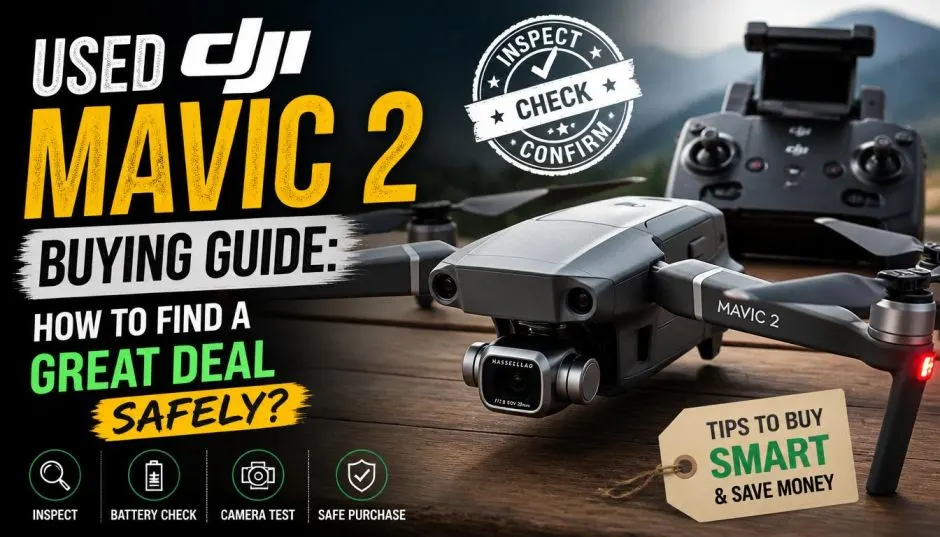
Used DJI Mavic 2 Buying Guide: How to Find a Great Deal Safely?
I bought a used DJI Mavic 2 last year. Saved almost 40% off the original price. But the process scared me. Fake listings. Hidden damage. Sellers who disappeared after taking my money.
The drone worked fine for three months. Then the battery swelled up. Cost me another $150 to replace. Lesson learned the hard way.
A Used DJI Mavic 2 buying guide needs to cover more than just price. You need to check legal stuff. Hardware stuff. Seller stuff. Miss one step and you own a paperweight.
Let me walk you through exactly what I learned. Step by step.
Why Buy Used in 2026?
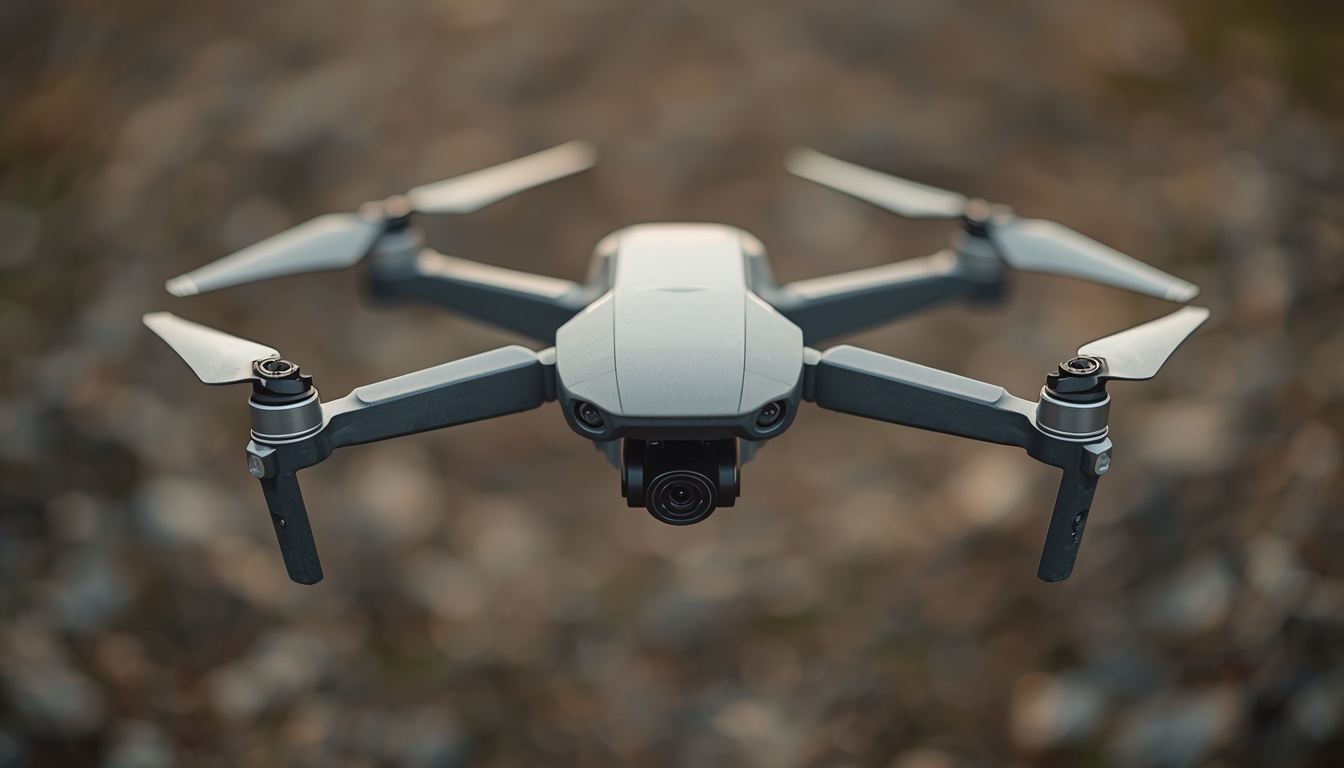
The Mavic 2 Pro and Zoom launched in 2018. Seven years old now. DJI discontinued both models in 2021. But they still fly great. The 1-inch sensor on the Pro holds up against newer Mini models. The Zoom's optical zoom still impresses clients.
Read Also: Grounding Innovation: Assessing the Commercial Impact of the DJI Drone Ban FCC Vote
Here is the reality. A used Mavic 2 Pro costs 600−800today.AnewMavic3Procosts600−800today.AnewMavic3Procosts2,200+. You get 80% of the performance for 35% of the price.
The Legal Trap Nobody Mentions
This is the most important part. Ignore everything else if you skip this.
India's drone laws changed in 2026. The government now requires all drones to complete UOM registration before flying. The old owner must unregister the drone from their name. You must register it in yours.
What happens if you skip this?
The drone stays linked to the original owner. If they ever flew illegally, your drone gets flagged. Police stop you. They confiscate your new purchase. You pay a fine of ₹10,000-50,000. And you cannot get the drone back until the original owner clears their record.
I saw this happen to a friend. Bought a "great deal" Mavic Air 2 from Facebook Marketplace. Flew it for two weeks. Police showed up at his house. The previous owner had multiple no-fly zone violations. My friend spent three months fighting to get his drone back.
How to check UOM status before buying:
-
Ask seller for the drone's serial number (SN code). Found on the box, the battery compartment, or the drone's body .
-
Seller logs into the UOM portal (https://uom.caac.gov.in - also has a mobile app).
-
Seller navigates to "My Equipment" and finds the drone's serial number. The status must show "Normal".
-
Seller clicks "Cancel Registration" right there. Saves the cancellation certificate as a PDF.
-
You log into your own UOM account. Search for that serial number. It should show "Not Registered" or "No Records".
Do not pay until step 5 is complete. I cannot stress this enough. Once the seller cancels their registration, you have a clean drone ready for your name.
The Hardware Checklist: What Breaks First?
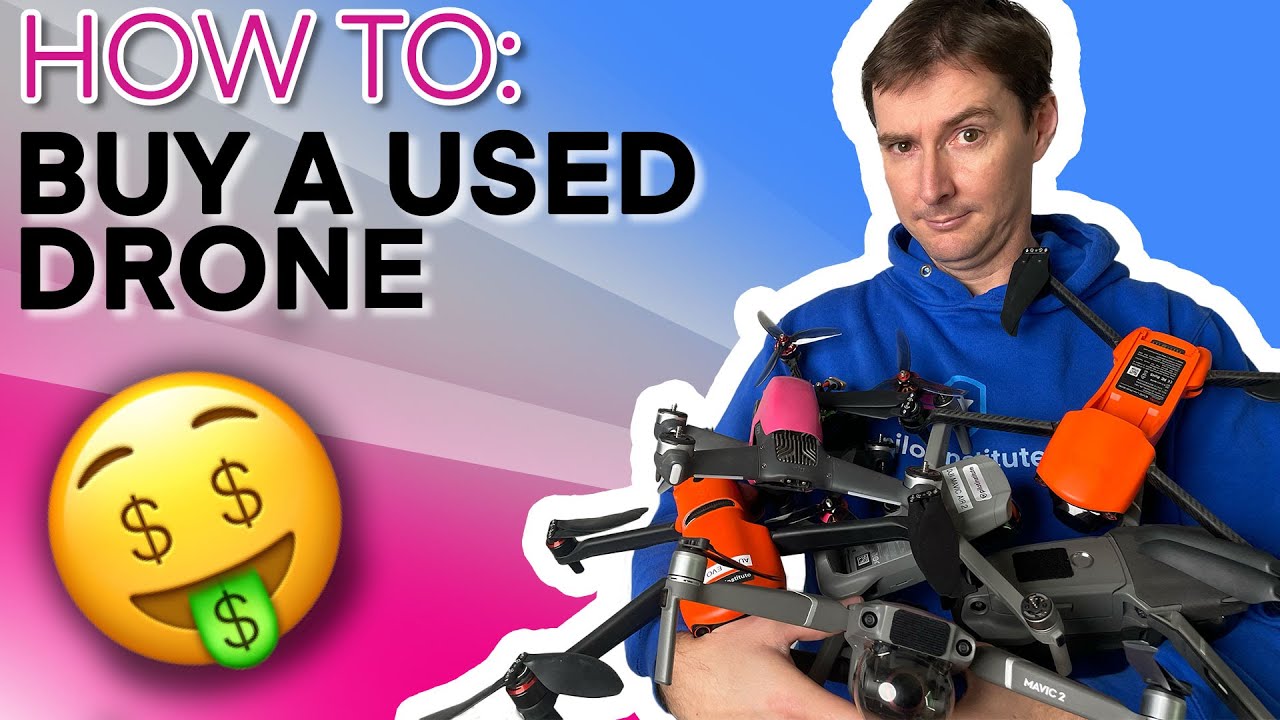
Mavic 2 drones are old. Rubber parts harden. Batteries lose capacity. Gimbals get sloppy. Here is what to check.
Battery Health (Most Critical)
Batteries die. Period. A Mavic 2 battery lasts 150-200 charge cycles before performance drops noticeably. After 300 cycles, replace it.
How to check: Seller opens the DJI Go 4 app. Goes to battery settings. Takes a screenshot showing:
-
Cycle count (under 100 is excellent, 100-200 is acceptable, over 200 is risky)
-
Battery health percentage (over 85% is good)
-
No swelling (visually inspect each battery for bulging)
I bought a drone with 180 cycles. Battery health showed 78%. It lasted 15 minutes instead of 25. Fine for short flights. Annoying for long shoots.
Battery cycle cheat sheet:
| Cycle Count | What It Means | Offer Price Adjustment |
|---|---|---|
| 0-50 | Like new | Full asking price |
| 51-100 | Light use | 5-10% discount |
| 101-200 | Normal wear | 15-20% discount |
| 201-300 | Replace soon | 30% discount |
| 300+ | Replace immediately | Walk away |
Gimbal and Camera
The Mavic 2 gimbal uses small rubber dampeners. They sag over time. You will see the camera hanging slightly crooked.
Test this: Power on the drone. Watch the gimbal calibrate. It should move smoothly in all directions. No grinding sounds. No twitching. Point the camera straight ahead. It should stay level without drifting.
Take a test photo of a white wall. Zoom in on the image. Look for dark spots or streaks. Those indicate dirt on the sensor or lens scratches.
Motors and Propellers
Mavic 2 motors develop play after heavy use. Grab each motor bell (the spinning part) and wiggle it side to side. There should be almost zero movement.
Spin each motor by hand. You should hear a smooth, consistent sound. Clicking or grinding means bad bearings.
Propellers cost little to replace. But cracks or chips indicate hard landings. Replace them immediately. A propeller breaking mid-flight crashes your drone.
Cracks in the Frame
The Mavic 2 body develops hairline cracks around the motor mounts and the battery latch. Shine a bright light and inspect carefully.
Where cracks hide:
-
Around the screw holes near each motor arm
-
The plastic clips that hold the battery in place
-
The hinge points where arms fold
Cracks in the motor mounts = do not buy. Cracks elsewhere = negotiate $50-100 discount.
Price Reality: What Should You Pay?
What is the lowest price of a DJI drone? For a working Mavic 2, expect to pay:
Mavic 2 Pro (with 1-inch sensor)
-
Excellent condition, under 50 cycles: $700-800 / ₹58,000-66,000
-
Good condition, 100-150 cycles: $550-650 / ₹45,000-54,000
-
Fair condition, high cycles, minor scratches: $400-500 / ₹33,000-42,000
Mavic 2 Zoom (with optical zoom)
-
Excellent condition: $600-700 / ₹50,000-58,000
-
Good condition: $500-600 / ₹42,000-50,000
-
Fair condition: $350-450 / ₹29,000-37,000
Best place to buy used drones under 10000 rupees? That is only $120. You cannot get a Mavic 2 at that price. Anyone offering it is selling a broken drone or running a scam. Save your money.
You Must Also Like: Is DJI Mavic 2 Pro Remote ID Compliant In 2026?
Mavic 2 Enterprise (with thermal camera)
-
Used prices run $1,500-2,500 / ₹1,25,000-2,08,000 depending on accessories
Where to Buy: Platforms Ranked
1. DJI Official Refurbished (Safest)
DJI sells certified refurbished Mavic 2 units occasionally. You get a 1-year warranty. New batteries. New propellers. Costs about 20% more than private sellers. Worth every rupee for peace of mind.
2. OLX / Quikr (Most Risk, Lowest Price)
These platforms have the best prices and the worst scams. Never pay without seeing the drone in person. Meet at a public place. Bring a friend.
3. Facebook Marketplace (Medium Risk)
Better than OLX because you can see seller profiles. Check how long they have been on Facebook. New accounts = red flag. Ask to join local drone groups and buy from active members.
4. Dedicated Drone Forums (Lowest Risk)
Join "India Drone Community" or "DJI India Users" on Facebook. Established members sell to each other. Prices are fair. People protect their reputation.
The Meeting Checklist: What to Bring?
When you meet the seller, bring:
-
Your phone with DJI Go 4 app installed and UOM portal bookmarked
-
Fully charged power bank to test batteries
-
Bright flashlight for inspecting cracks
-
A friend (two pairs of eyes spot more issues)
-
Printed checklist (I will give you one below)
Plan for 60-90 minutes. Rushed inspections miss problems. Walk away if the seller rushes you.
10-Step Field Test (Do These Before Paying)
Step 1: Visual inspection
Hold the drone under bright light. Check every screw for tool marks (indicates disassembly). Run fingers along every edge (feeling for cracks the eyes miss).
Step 2: Power on test
Insert battery. Press power once, then press and hold. The drone should beep and lights should flash. No beeps = bad power board.
Step 3: Gimbal dance
Watch the gimbal do its startup calibration. It moves left, right, up, down. Should be silent and smooth. Any hesitation or grinding = bad gimbal motor.
Step 4: Connect to app
Open DJI Go 4. The app should show "Aircraft Connected" and a live camera feed within 30 seconds. Long connection times = bad transmission board.
Step 5: Check flight logs
In the app, go to "Flight Records." Look for crashes, hard landings, or abnormal warnings. Red flags include "IMU Calibration Required" or "Compass Interference" appearing often.
Step 6: Spin motors without props
In the app, go to "Motor Test" (if available). Or just arm the drone without props. Motors should spin smoothly. Stop and listen. Clicking sounds = bad bearings.
Step 7: Quick test flight (critical)
Find an open field. Fly to 10 feet. Hover for 30 seconds. The drone should stay in a 3-foot box. Drifting more than that = bad GPS or IMU.
Step 8: Test all flight modes
Switch to Sport mode. The drone should become more responsive. Switch to Tripod mode. It should slow down dramatically. Modes not working = bad firmware or damaged sensors.
Step 9: Test return-to-home
Press the RTH button. The drone should climb to your set altitude, fly back to the takeoff point, and land within 6 feet of where it started. Landing far away = bad GPS.
Step 10: Check battery cycles (again)
After the flight, check battery cycles in the app one more time. If the number increased by more than 1, the seller reset the battery management system. Walk away.
The Contract Clause That Saves You
Verbal promises mean nothing. Get it in writing. Even on a napkin. Here is the exact clause to write:
"Seller confirms this drone has no hidden damage, all original parts, clean flight history, and proper UOM deregistration. Seller agrees to refund full payment within 7 days if any undisclosed issue appears."
Both of you sign and date it. Take a photo of the signed document with both of you holding it.
I used this clause when a seller hid a cracked motor mount. He refunded me the same day. The signed paper scared him into cooperating.
Red Flags: Walk Away Immediately?
Seller refuses to show UOM status. This is illegal in India now. No UOM proof = no deal.
"No time to test fly." Liar. Every seller has 10 minutes for a sale this big.
Price is "too good." A ₹25,000 Mavic 2 Pro does not exist. You will get a broken drone or nothing at all.
Seller wants advance payment. Common scam on OLX. They take ₹5,000 "booking amount" and disappear.
Serial number is scratched off. That drone is stolen. Full stop.
What About Buying a Mavic 2 in 2026?
DJI stopped supporting Mavic 2 firmware updates in 2023. The batteries are getting harder to find. Third-party batteries exist but many do not work correctly.
The honest answer: If you find a clean Mavic 2 Pro for under $550, buy it. Fly it for 2-3 years. Then upgrade to something newer.
If your budget is over $800, skip the Mavic 2. Buy a used Mavic 3 Classic or a Mini 4 Pro instead. Newer tech. Better batteries. Longer support.
Your 7-Day Safety Window
After you buy, do not hide the drone in a closet. Fly it every day for a week.
Battery issues appear after 2-3 charges. Gimbal problems show up after vibration. Hidden crashes reveal themselves through strange flight behavior.
If something fails in the first 7 days, contact the seller immediately. Most honest sellers offer a 7-day return window. Take advantage of it.
The Final Thoughts
Buying a second hand DJI drone is risky but rewarding. You save thousands. You get pro-level gear. But you must do the work.
Your non-negotiable checklist:
-
UOM deregistration confirmed ✅
-
Battery cycles under 150 ✅
-
No cracks in the frame ✅
-
Gimbal moves smoothly ✅
-
Test flight in open area ✅
Skip any of these steps and you gamble. I learned the hard way. Now you do not have to.