


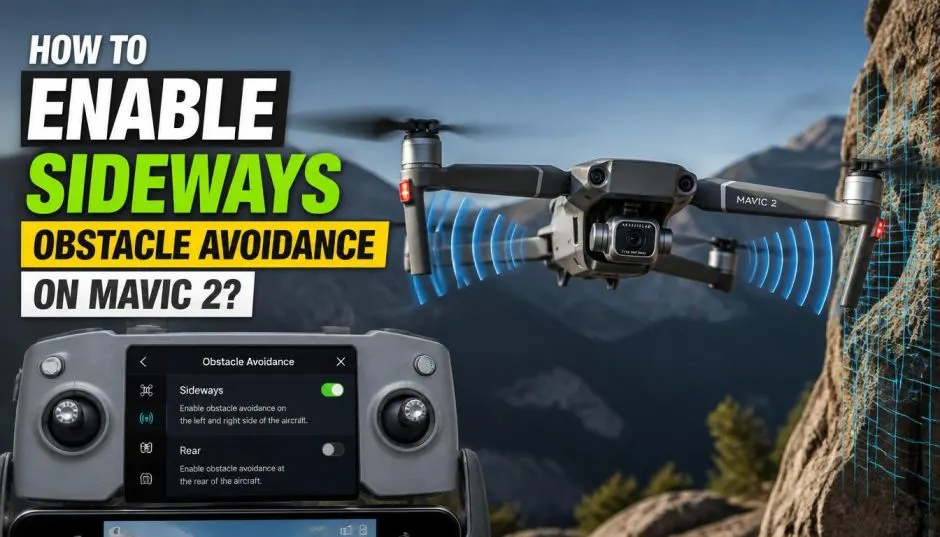
How to Enable Sideways Obstacle Avoidance on Mavic 2?
You are flying your Mavic 2. You are getting a perfect shot. You are flying sideways. You are focused on the view. Then it happens. You hit a tree branch. Your drone falls. Your heart sinks.
We have all been there. It is a terrible feeling. You think, "Why didn't the sensors stop it?" You start to panic. You wonder if you broke something.
The Mavic 2 has obstacle avoidance sensors. But they are not all the same. They do not all work in the same direction. Forward and backward are covered. But what about sideways? That is where it gets tricky.
This guide will explain everything. It will answer the question: how to enable obstacle avoidance sideways Mavic 2. It will also cover common problems. It will help you avoid a crash.
The Sensor Suite: What Does the Mavic 2 Have?
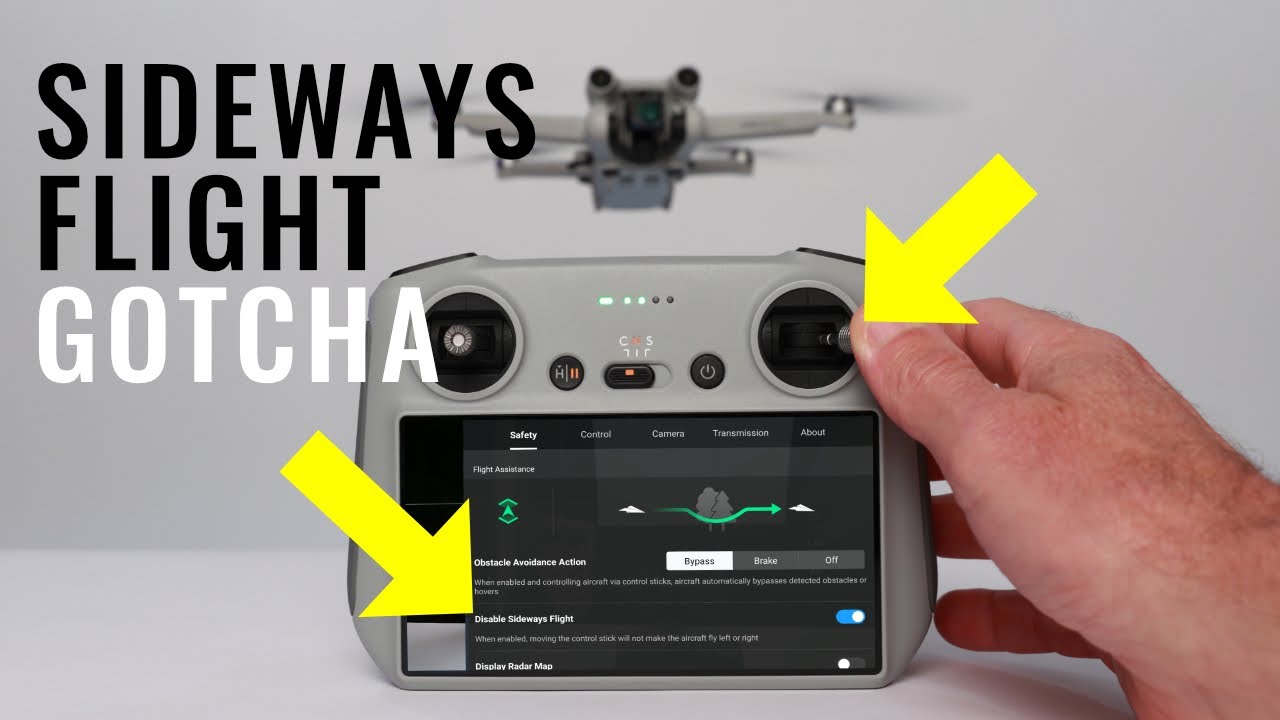
The Mavic 2 is a smart drone. It has many sensors. It has cameras on the front. It has cameras on the back. It has sensors on the bottom. It uses all of this data to fly safely.
Read Also: Used DJI Mavic 2 Buying Guide: How to Find a Great Deal Safely?
The sensors work together. They create a 3D map of the area. They detect obstacles. They help the drone avoid them. It is a sophisticated system.
Forward and Backward: The Main Sensors
The front sensors are the main ones. They are used for forward flight. They are also used for ActiveTrack. The rear sensors are for backward flight. They help you fly in reverse. They also help when you are landing.
These sensors are very reliable. They are designed for normal flying. They cover the most common flight directions.
The Sideways Question: Does It Work?
This is the big question. Does the Mavic 2 have sideways obstacle avoidance? The answer is yes. It is a feature. It is called "Sideways Obstacle Avoidance." But there is a catch. It is not always on. It is not like the front sensors.
The sideways sensors are not as powerful. They are not as reliable. They have a smaller field of view. They are more of a safety net. They are not a primary system. They are a backup.
How to Enable Obstacle Avoidance Sideways Mavic 2?
Here is the step-by-step guide. It is a simple process. You just need to know where to look.
-
Open the DJI Go 4 App: This is the app for the Mavic 2.
-
Go to the Camera View: This is the main flying screen.
-
Tap the Three Dots: This is the settings menu. It is in the top right corner.
-
Select the "Safety" Tab: This is where all the safety settings are. It is the second tab. It has a shield icon.
-
Find "Sideways Obstacle Avoidance": Look for the setting. It is usually near the bottom.
-
Toggle It On: The switch should turn blue. That means it is active.
You also need to be in the right flight mode. The feature only works in certain modes. You need to be in "P-mode" (Position Mode). It is the standard flying mode. It also works in "Tripod Mode."
What About "S-mode" or "Sport Mode"?
You cannot use sideways avoidance in Sport Mode. This mode is for fast flying. The sensors are turned off. It gives you more speed. It also gives you less protection. You are responsible for avoiding obstacles.
You Must Also Like: Choose the Best Dji Mavic 2 Enterprise Advanced Thermal Drone
The app will warn you. It will tell you the sensors are disabled. It is a clear message. Do not ignore it. It is there for a reason.
Obstacle Avoidance Sideways Mavic 2 Not Working: The Common Issues
The feature is simple in theory. But it can be frustrating in practice. Many users have problems. They think the feature is broken. It is often just a setting that is wrong.
Why Is It Not Working?
Here are the common reasons. It is almost always a simple fix.
-
It Is Not Turned On: This is the most common issue. You forgot to toggle the setting. It is a simple oversight.
-
The Drone Is in Sport Mode: Sport mode disables the sensors. It turns off all obstacle avoidance. You have to switch modes.
-
The Lighting Is Poor: The sensors need light. They need to see the obstacles. They cannot work in the dark. They also cannot work in very bright light.
-
The Sensors Are Dirty: Dirt and dust can block the sensors. They need to be clean. Use a soft cloth to clean them.
-
The Sensors Need Calibration: The sensors can become misaligned. They need to be recalibrated.
Calibrating the Vision Sensors
Calibration is a good first step. It is a simple process. It can fix many problems. It is always a good idea to do this regularly. It ensures the system is accurate. It is like recalibrating your compass.
How to Calibrate Vision Sensors on Mavic 2 Pro?
Here is the step-by-step guide. It is for the Mavic 2 Pro. It is the same for the Mavic 2 Zoom. The process is very similar.
-
Open the DJI Go 4 App: Connect your drone. Go to the camera view.
-
Go to the Settings Menu: Tap the three dots in the top right corner.
-
Select the "Main Controller Settings": This is the first tab. It has a drone icon.
-
Scroll Down: Look for "Sensor State." This will show you the status of the sensors.
-
Select "Calibrate": You will see an option to calibrate the vision sensors.
-
Follow the On-Screen Instructions: The app will guide you. You will need to rotate the drone. You will need to point it at a patterned surface. It is a simple process. It only takes a few minutes.
The Real-World Experience: A Personal Story
I was flying my Mavic 2 Pro last summer. I was filming a beautiful landscape. I was flying sideways. I was trying to get a nice panning shot.
I was not paying attention. I was focused on the camera. I was getting closer to a tree. I was too close. The sideways obstacle avoidance was on. It had saved me many times before.
But this time, the lighting was bad. It was late afternoon. The sun was low. The tree was in a shadow. The sensors did not see it.
The drone crashed into the tree. It was a soft crash. It was not a major crash. It did not break. But it scared me. It reminded me that the system is not perfect. It is a tool. It is not a guarantee.
The Drone's Limitations
It is important to be realistic. Obstacle avoidance is not magic. It has limitations. You cannot rely on it 100%. You are still the pilot. You are responsible.
-
Small Objects: The sensors might not see small branches. They might not see power lines. They are designed for larger objects.
-
Reflective Surfaces: The sensors can be confused by glass. They can be confused by water. They might not work properly.
-
Moving Objects: The sensors are not designed for fast-moving objects. They might not be able to avoid a bird.
Comparison: Mavic 2 vs. Newer Models
The Mavic 2 is an older drone. Newer models have better sensors. They have more advanced systems.
-
DJI Mini 4 Pro: This drone has omnidirectional obstacle avoidance. It can see in all directions. It is a big improvement.
-
Mavic 3: This drone also has great sensors. It is a more advanced system.
The Mini 4 Pro's Issues
The new models are not perfect. They have their own problems. You might be searching for DJI Mini 4 Pro focus issues or DJI Mini 4 Pro connection issues. These are common problems.
The focus issues are often software-related. A firmware update might fix them. The connection issues can be related to interference. They can also be caused by a faulty cable.
A Pilot's Responsibility
A drone is a tool. It is a powerful tool. It requires skill. It requires awareness. You need to know the limits. You need to know the drone. You need to know the environment.
-
Visual Line of Sight: You should always be able to see your drone. You should not rely solely on the sensors.
-
Situational Awareness: You need to be aware of your surroundings. You need to be looking for obstacles.
-
Practice: You need to practice flying. You need to learn how the drone handles. You need to learn its limits.
The Future of Drone Safety
Drone technology is improving. The sensors are getting better. The software is getting smarter. We are moving toward fully autonomous flight. But we are not there yet.
For now, the pilot is still in control. You have the final responsibility. You need to fly safely. You need to use the sensors as a tool. They are your backup. They are not a replacement for good piloting.
Frequently Asked Questions' -DJI Mini 4 Pro Focus Issues
Q1: How to enable obstacle avoidance sideways Mavic 2?
Go to the DJI Go 4 app. Tap the three dots to access settings. Select the Safety tab. Toggle the "Sideways Obstacle Avoidance" switch to the on position.
Q2: Why is my obstacle avoidance sideways Mavic 2 not working?
It might not be enabled in the app. You might be in Sport Mode, which disables it. Poor lighting, dirty sensors, or a need for calibration are also common causes.
Q3: How to calibrate vision sensors on Mavic 2 Pro?
Open the DJI Go 4 app. Go to the Main Controller Settings. Scroll down and select "Calibrate." Follow the on-screen instructions.
Q4: Does the Mavic 2 have obstacle avoidance sideways?
Yes, it does have a sideways obstacle avoidance feature. However, it must be enabled in the settings and you must be in P-Mode or Tripod Mode for it to work.
Q5: Is the sideways obstacle avoidance as good as forward avoidance?
No, the sideways sensors are not as powerful as the forward-facing ones. They have a more limited field of view and are more of a safety feature rather than a primary system.